
The complete base platform.
Every capability in the EMAction base product — facility-level incident and evacuation management, built around AS 3745 and aligned with AS 4083.
Every capability in the EMAction base product — facility-level incident and evacuation management, built around AS 3745 and aligned with AS 4083.
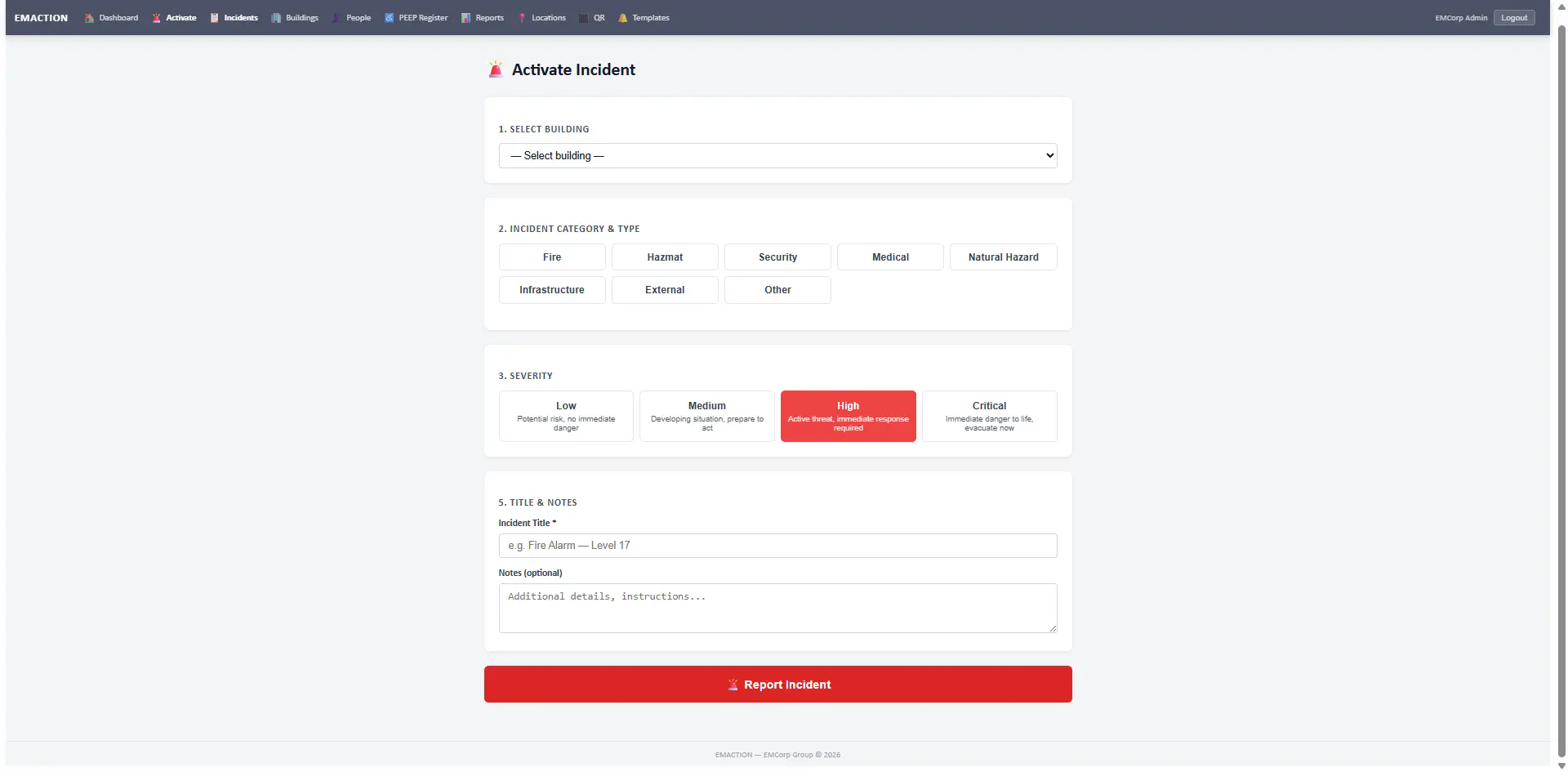
Activate an incident in under 30 seconds from any device. Category, type and severity are chosen in a single form; notification fires automatically to every Warden and staff member assigned to the affected locations.
Public QR codes posted throughout the facility let anyone — including visitors — report an incident without logging in. SMS OTP verification confirms identity before submission.
Four statuses drive every check-in: Safe, En Route, Need Help, Danger. Occupants check in via the QR code at their assembly point or through a portal fallback on any device with a browser.
Structured location input — the location picker is ordered to cut taps under pressure:
The warden structure maps directly to AS 3745 — Floor/Area Warden, Chief Warden, Incident Controller. Scoping is enforced at the database query layer; wardens only see incidents affecting their assigned locations.
Instruction cards are pushed to every connected warden screen in real time over WebSocket — no SMS queue, no delayed delivery. The Chief Warden or Incident Controller selects the card; every Warden sees it instantly and taps I Understand to confirm receipt.
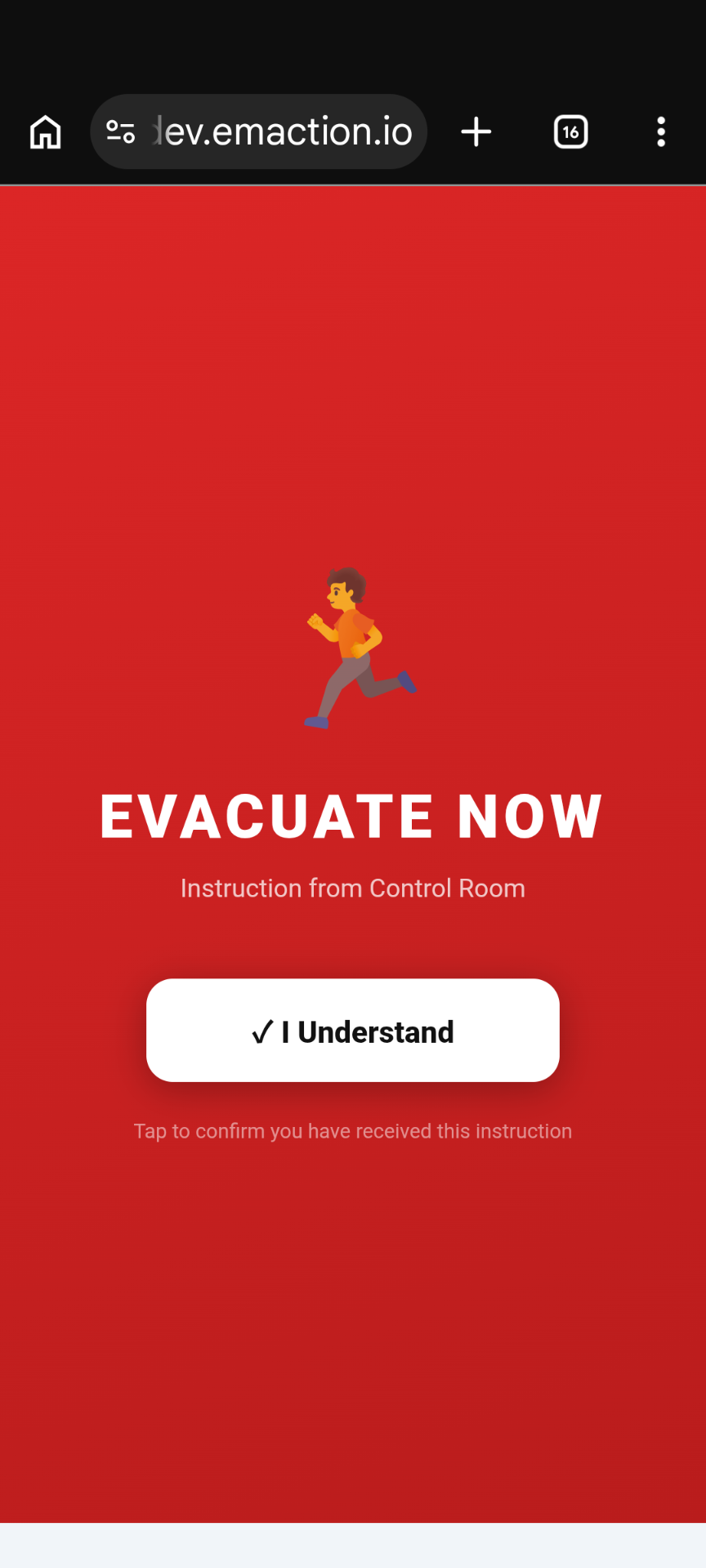
Immediate evacuation. Wardens direct every occupant to leave for the assembly point. Used once it is safer outside than where people currently are.
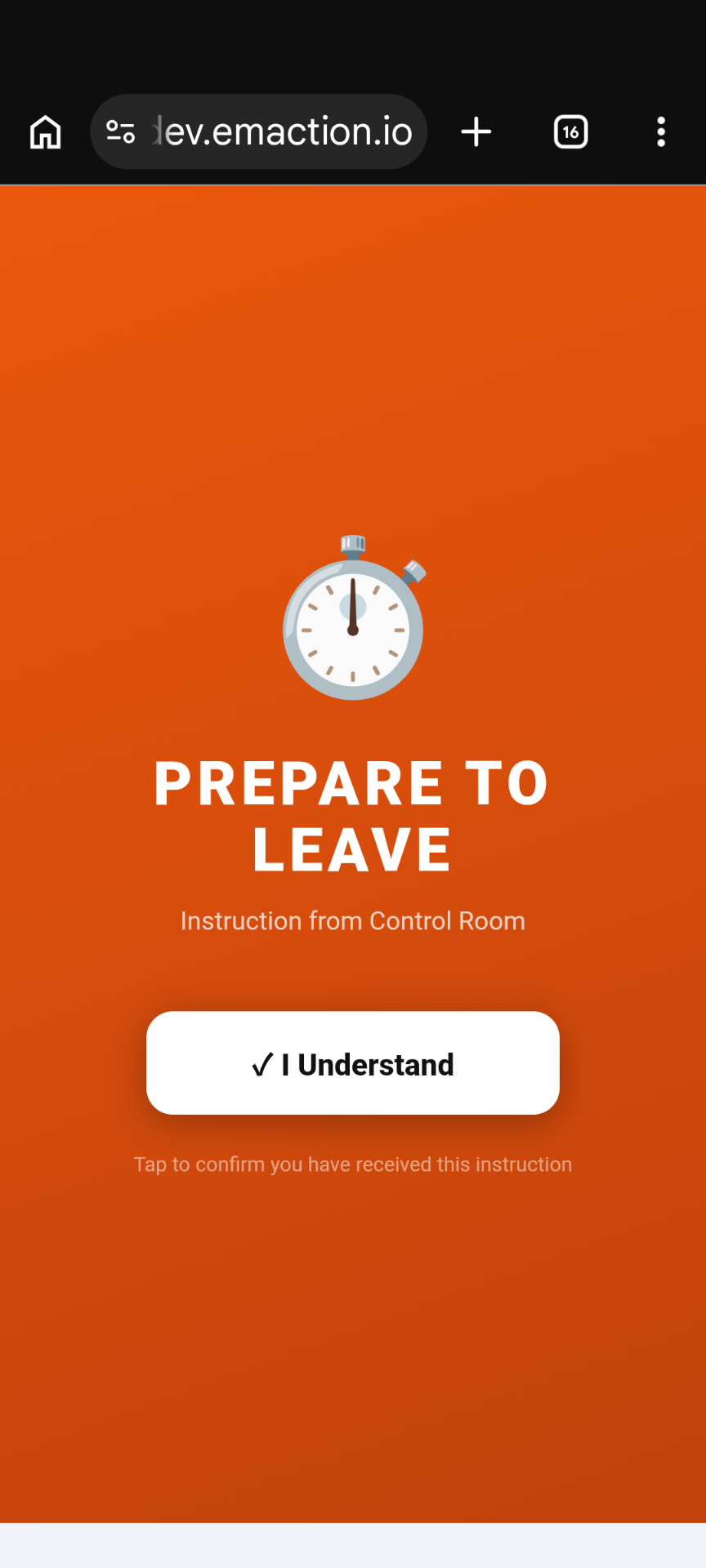
Stand-by directive. Wardens ready their floor or wing — PEEP-priority occupants first — while the Chief Warden decides whether to escalate to Evacuate Now.
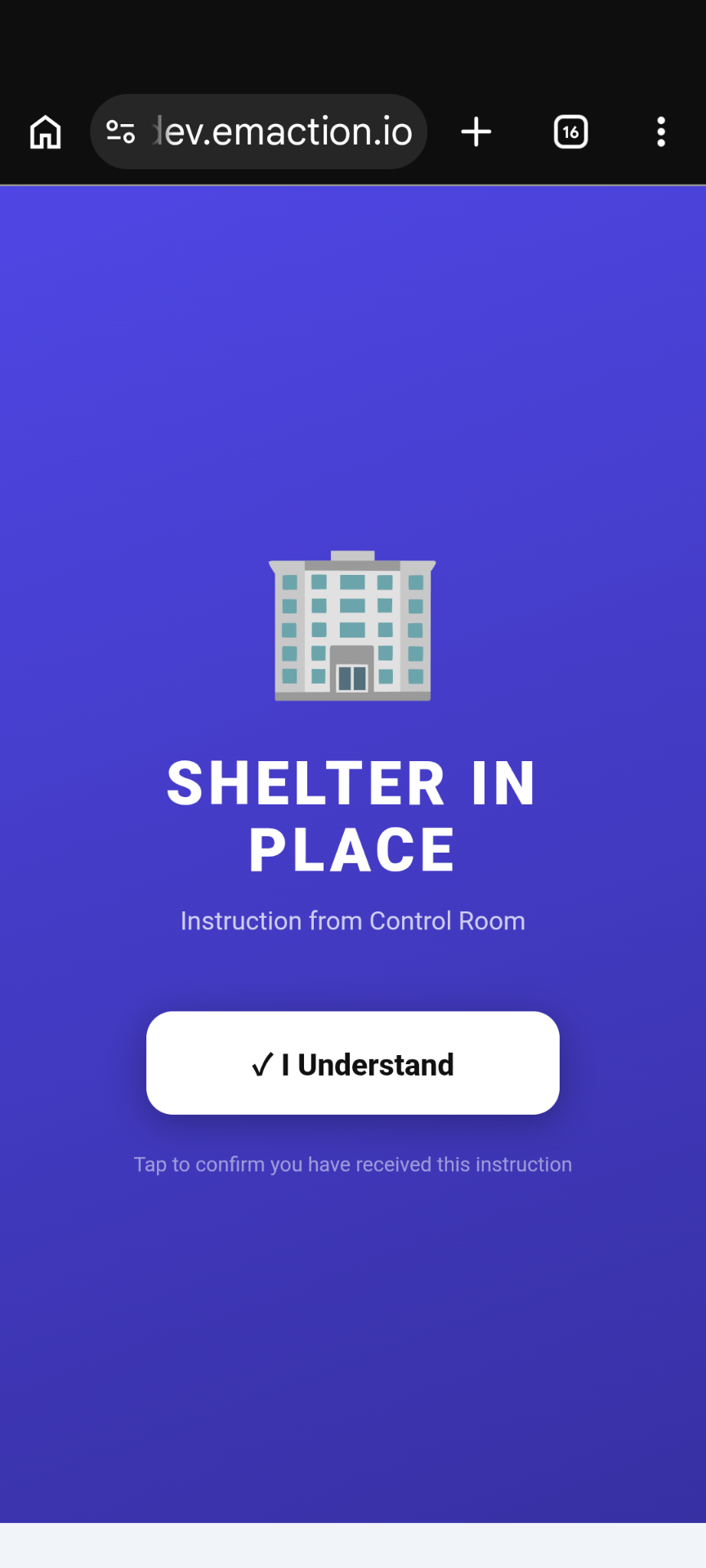
Stay where you are, close doors and windows. Used when the external environment — smoke plume, severe weather, civil incident — is more hazardous than the building.
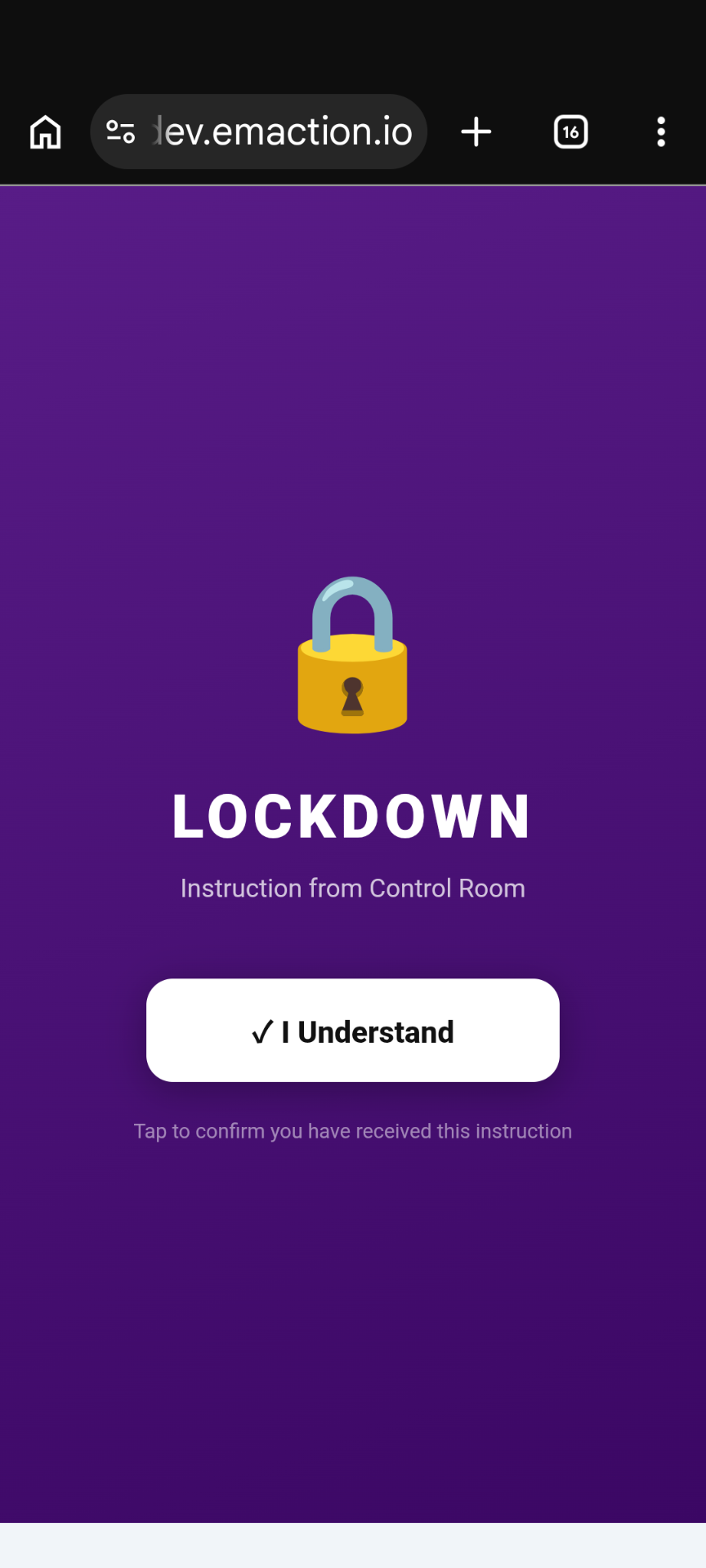
Secure in place. Lock doors, move out of sight, silence devices. Used for an intruder, armed threat or external violence where movement would expose occupants.
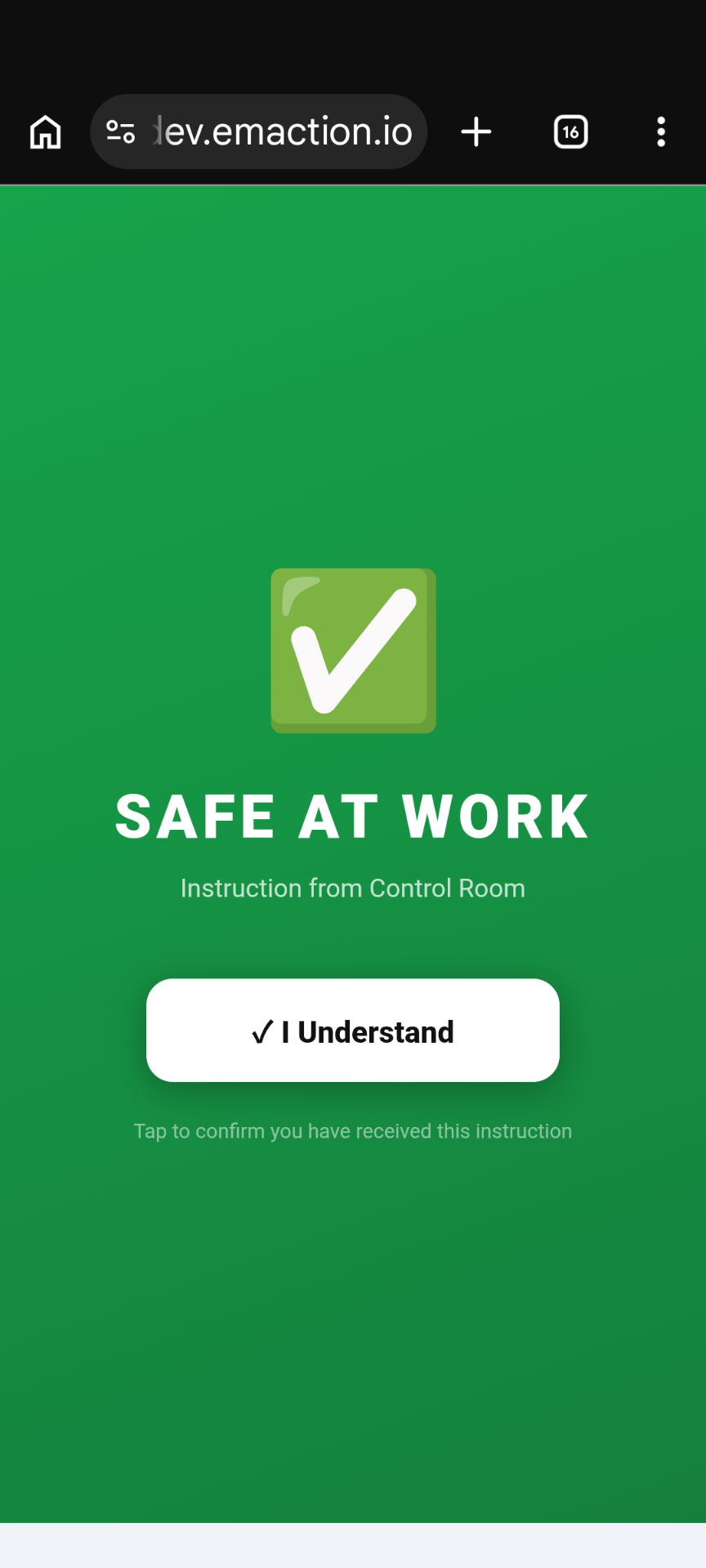
All-clear. The threat has passed and normal activity can resume. Logged on the timeline so the resolution is on the record alongside the activation.
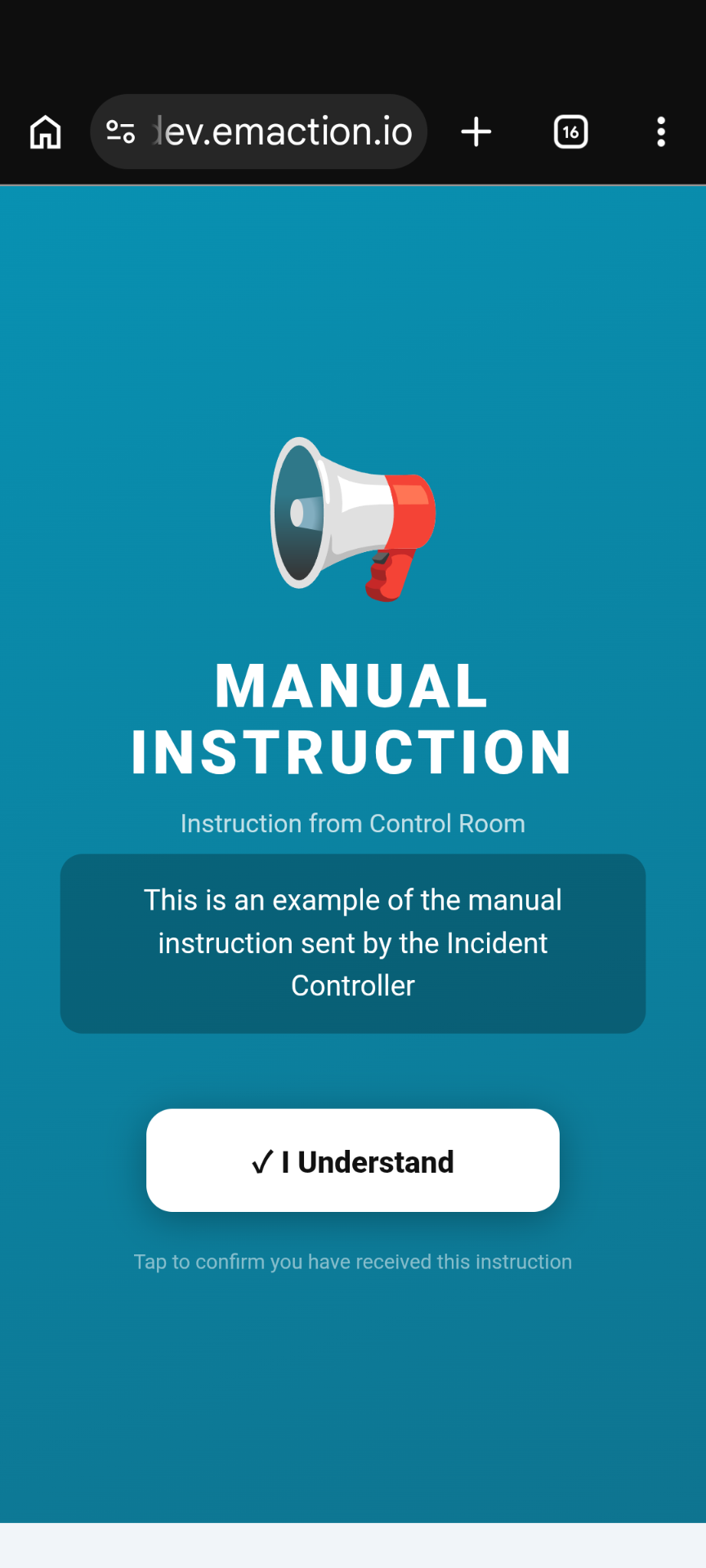
Free-text directive authored by the Chief Warden. For situations the pre-built cards don’t cover — staged evacuation, route changes, partial lockdown.
Twilio-backed SMS handles mass notifications and targeted warden messages. Inbound replies are logged to the incident timeline automatically.
Leaflet-based live map with clustered markers, street and satellite views. GPS-enabled occupants plot themselves in real time; wardens place everyone else with draggable pins.
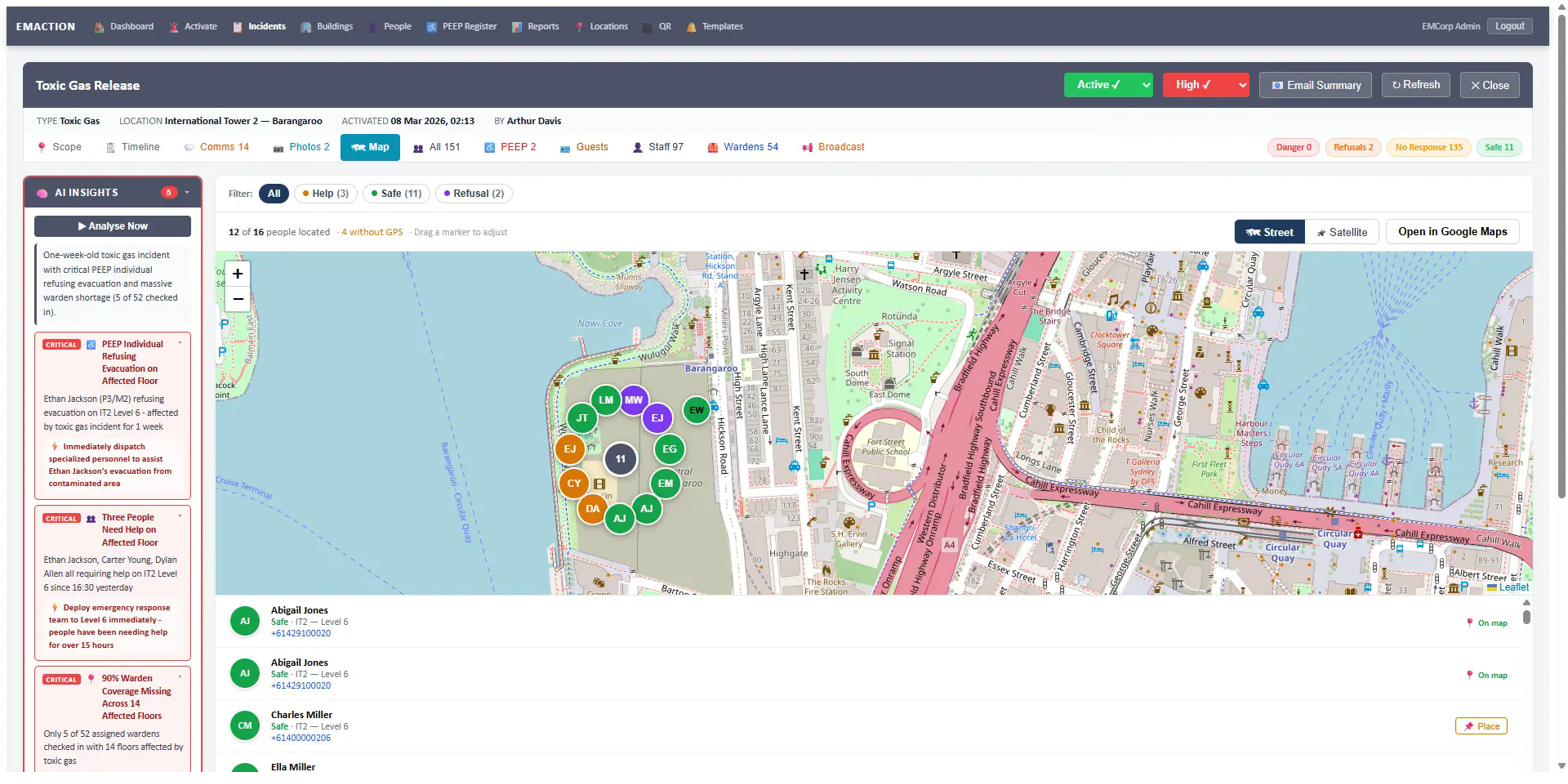
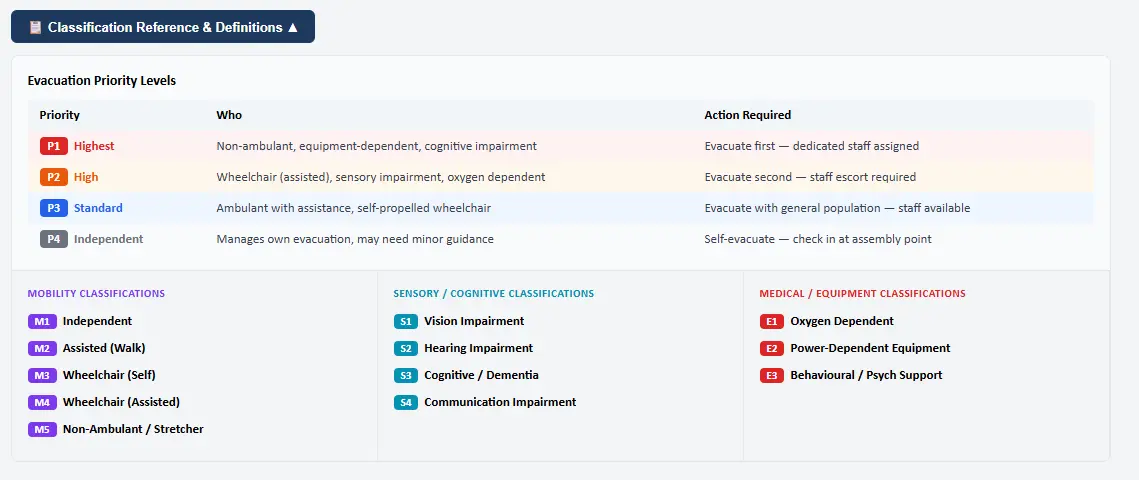
Personal Emergency Evacuation Plans, coded across four dimensions: priority, mobility, sensory/cognitive, medical/equipment. Filterable by building and classification, exportable to CSV, and visible on a dedicated PEEP tab during every incident.
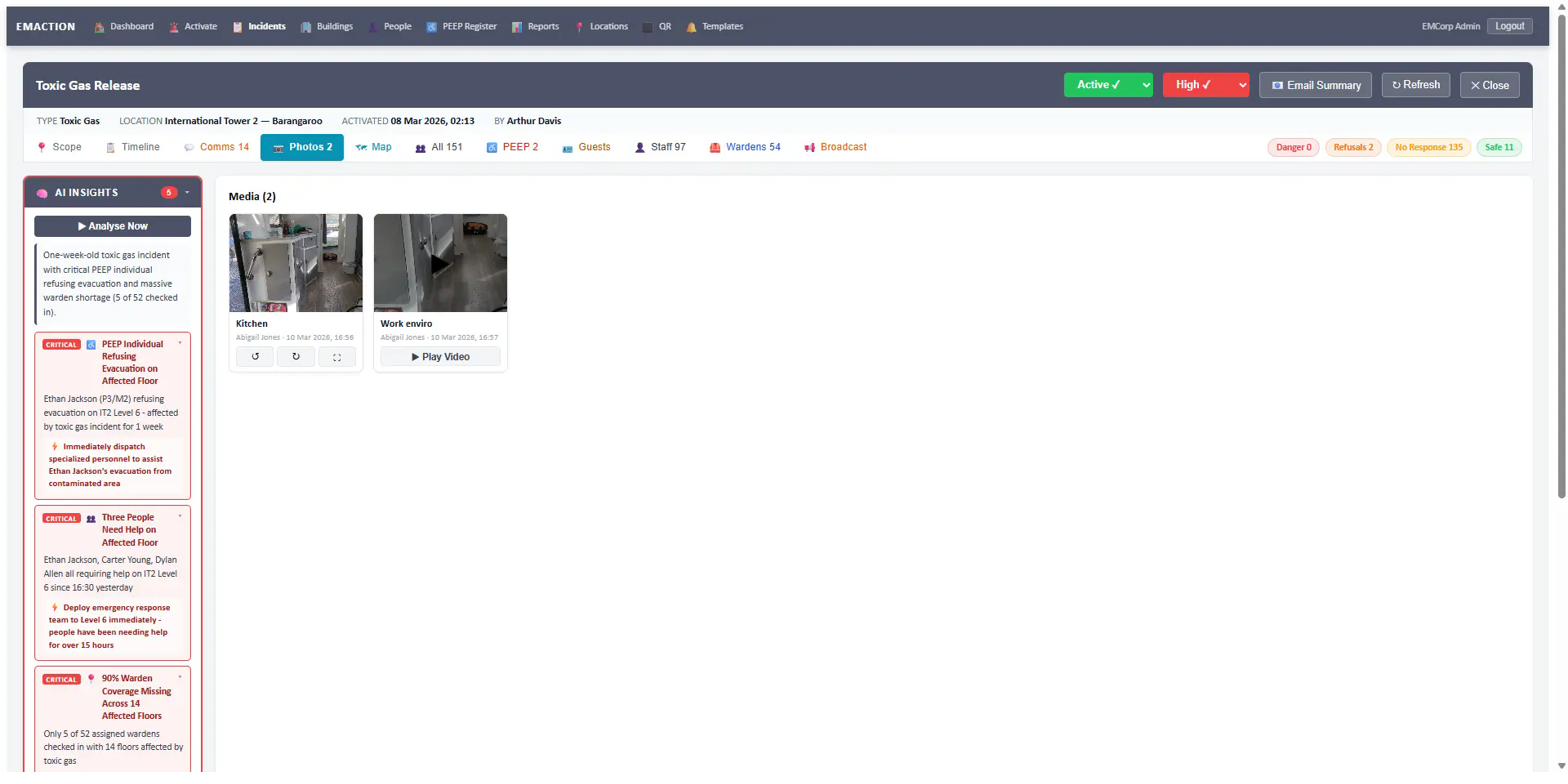
Wardens and staff upload photos and video directly during an incident. Every media item attaches to the incident timeline with uploader, timestamp and caption.
The incident timeline is EMAction’s tamper-resistant chronological record. Every activity on the incident — check-ins, notes, photos, SMS in and out, broadcasts, status changes and AI insights — is recorded with the actor’s identity and timestamp. Default sort is newest first, and the timeline is chronologically aware across incidents that span multiple days.
[DD MMM YYYY, HH:MM] — [Person making entry] / [Person checked in] checked in — [status] at [location][DD MMM YYYY, HH:MM] — [Person making entry] / Note: […][DD MMM YYYY, HH:MM] — [Person making entry] / Photo Uploaded: [title][DD MMM YYYY, HH:MM] — [Sender] / Control → [User] or [User] → Control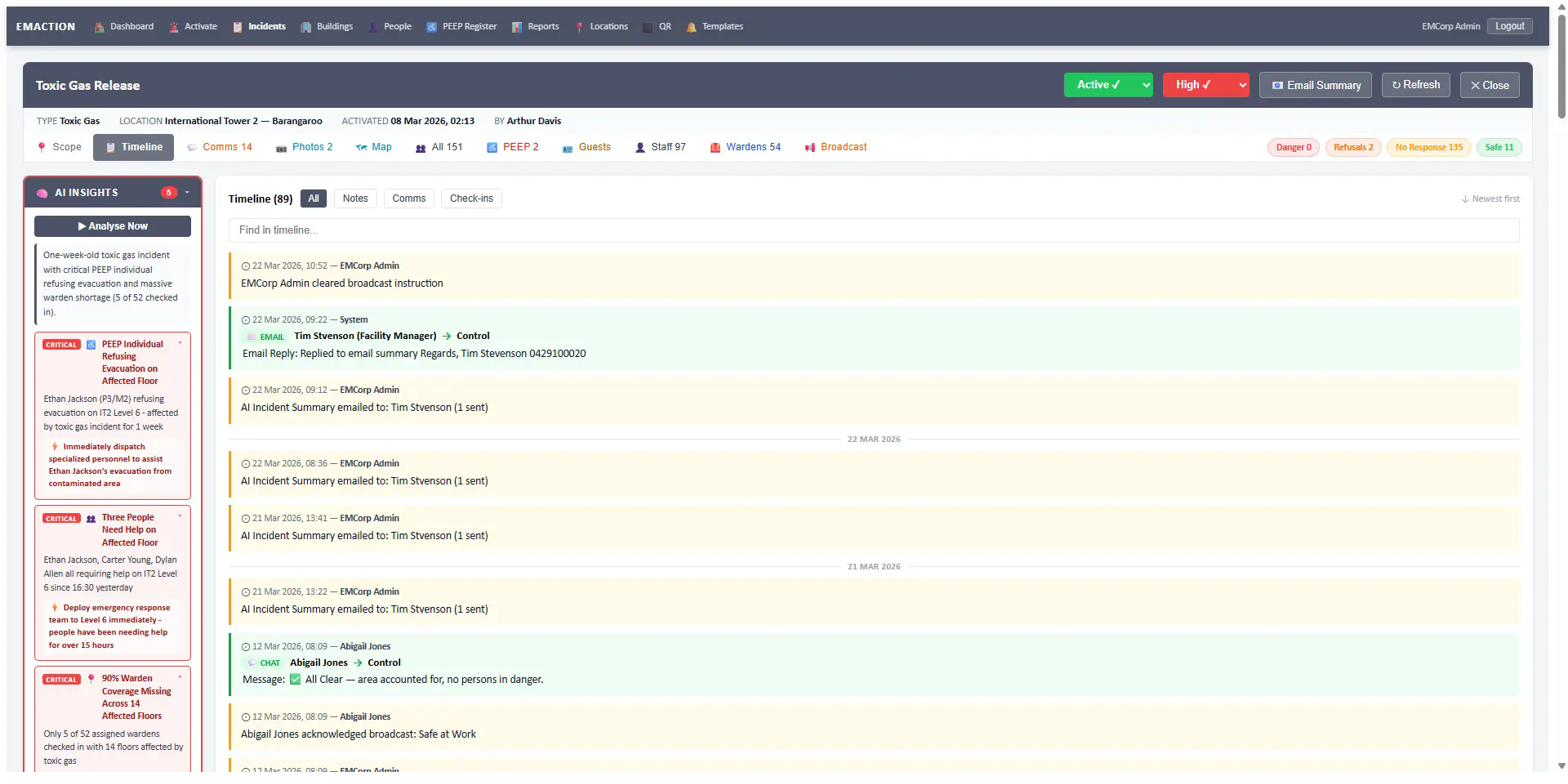
At-a-glance per-location cards for every floor, wing, zone or area during an active incident.
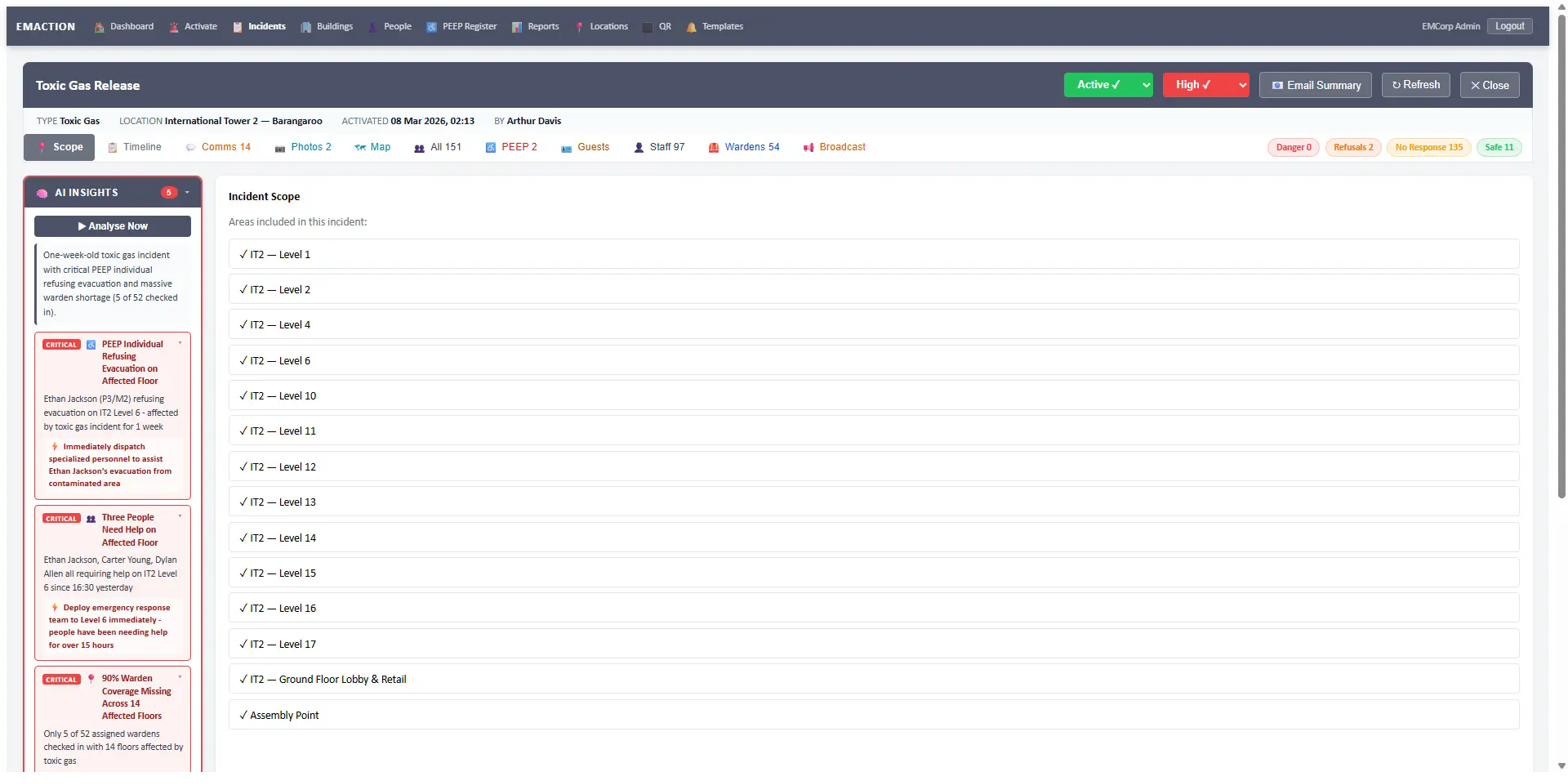
Per-building stakeholder lists scope who receives incident summaries. Stakeholders are assigned to specific locations within a building and receive AI-drafted summary emails automatically.
Pre-written SMS and email templates managed centrally. One tap during an incident sends the right message to the right people.
Incident history, compliance exports, refusals reports and occupancy statistics — every report the compliance framework expects is exportable.
Every client runs on its own subdomain with isolated data, storage and sessions. Tenant-level feature flags turn optional modules on or off per client.
acmecorp.emaction.io).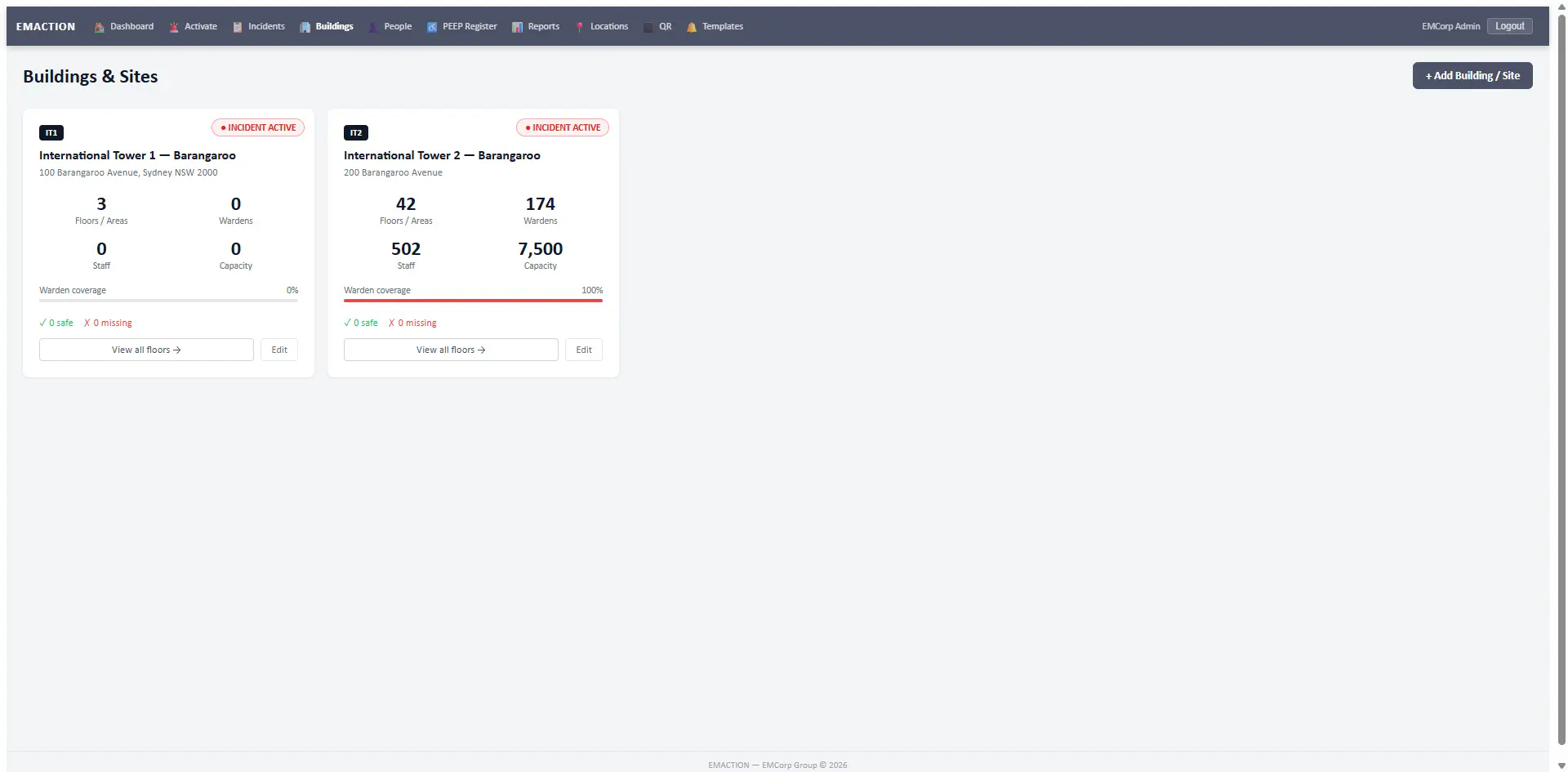
Advisory only. All AI features are advisory. They do not replace the authority of the Incident Controller or Chief Warden. Each feature degrades gracefully when the API is unavailable. A system-wide AI on/off toggle is available in settings.
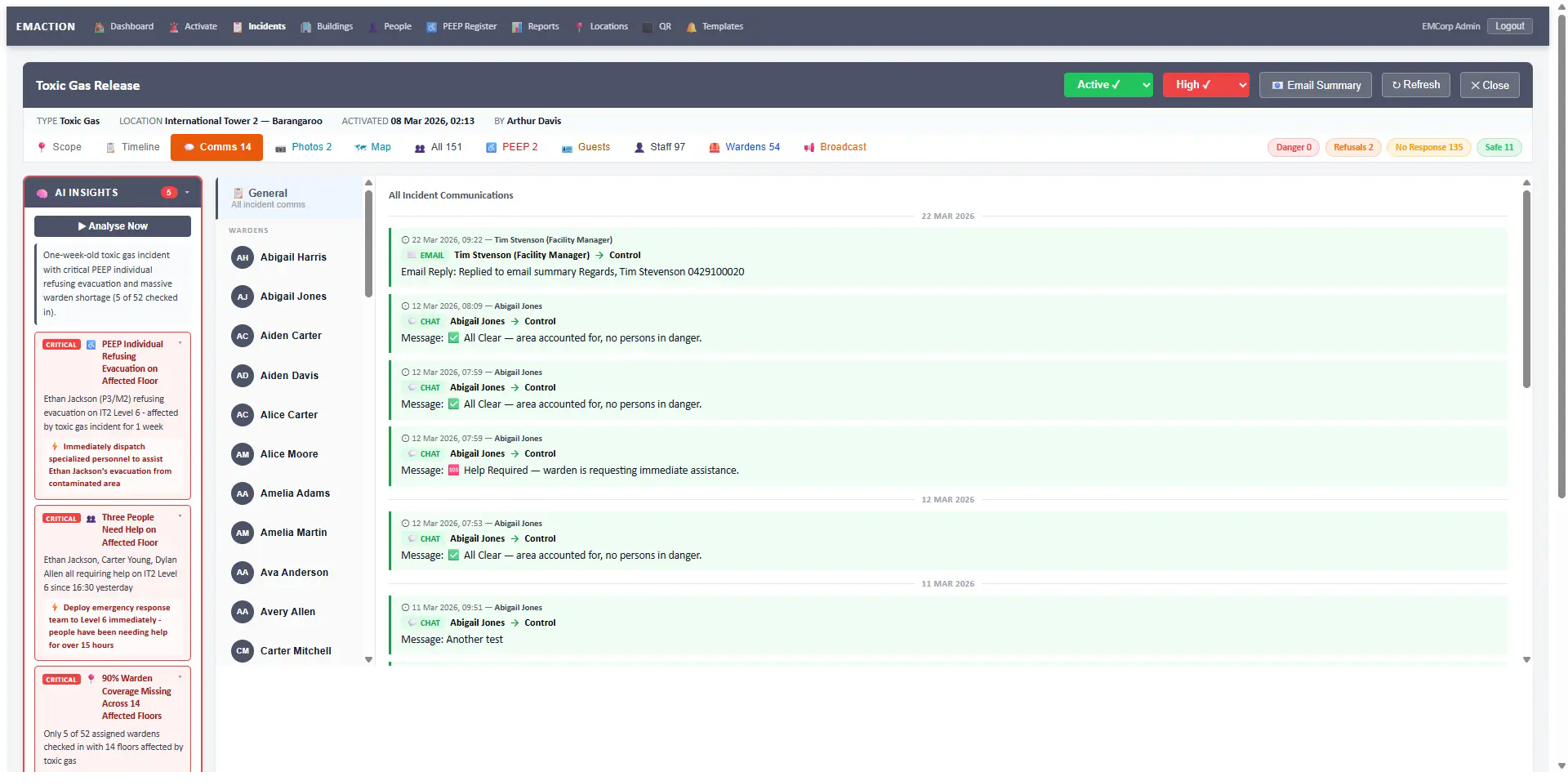
On demand, the Control Room taps “Analyse Now” and EMAction reviews the incident feed — the last 50 timeline entries, check-in statistics, PEEP status, warden coverage gaps and the last 20 warden messages — then surfaces prioritised alerts the Control Room might miss.
Example output:
Parses incoming warden SMS and chat messages, auto-tags them by urgency and category, and surfaces suggested follow-up actions for Control Room review.
AI-generated professional incident summaries, emailed to building stakeholders on demand during or after an incident.
AI drafts SMS and email notifications based on incident context. The Control Room reviews and edits every draft before sending — there is no auto-send.
Two Claude models, routed by task: Sonnet for deep reasoning, Haiku for speed.
The shared substrate every feature above runs on — security, time, compliance posture and roles.
Every role has a defined scope. Wardens only see incidents in their assigned locations; the Chief Warden sees the whole building; the Incident Controller sees all buildings under their remit.
| Role | Scope |
|---|---|
| Staff / Occupant | Check in during evacuations; view own check-in history. |
| Floor/Area Warden | View incidents for assigned locations; manual check-ins; photos; SMS/chat with Control. |
| Chief Warden | All warden capabilities plus: activate/resolve incidents; manage locations; mass SMS; view all check-ins. |
| Incident Controller | All Chief Warden capabilities plus: manage buildings. |
| EMCorp Admin | Full access including user-building assignment and system-wide reports. |
Book a walkthrough on your own buildings, warden structure and compliance obligations — not a generic demo.
Request a demo